Preview images and PDFs
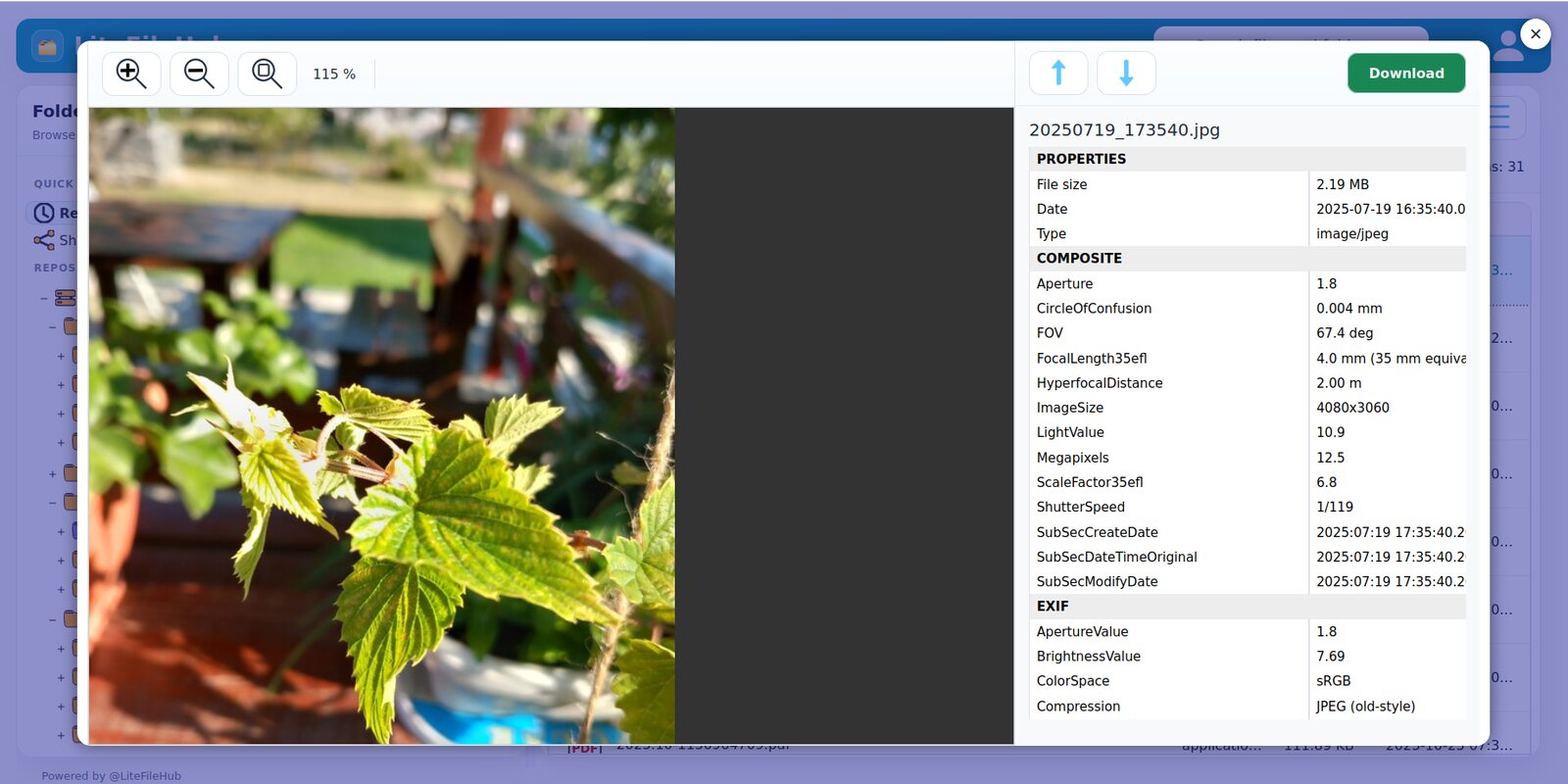
Quickly preview documents and images without unnecessary downloads or context switching.
LiteFileHub is cloud storage built to run in the web browser. Organize, preview, search, and share your files from any device, with nothing to install.
Open LiteFileHub on your laptop, a work computer, a borrowed PC, or your phone, and your files are there, the same way, everywhere.
Native mobile apps are on our roadmap. Until then, LiteFileHub works in your phone's browser, in Safari, Chrome, Firefox, or Edge.
Keep files structured with folders and a clear interface that stays easy to navigate as your content grows.
Quickly preview documents and images without unnecessary downloads or context switching.
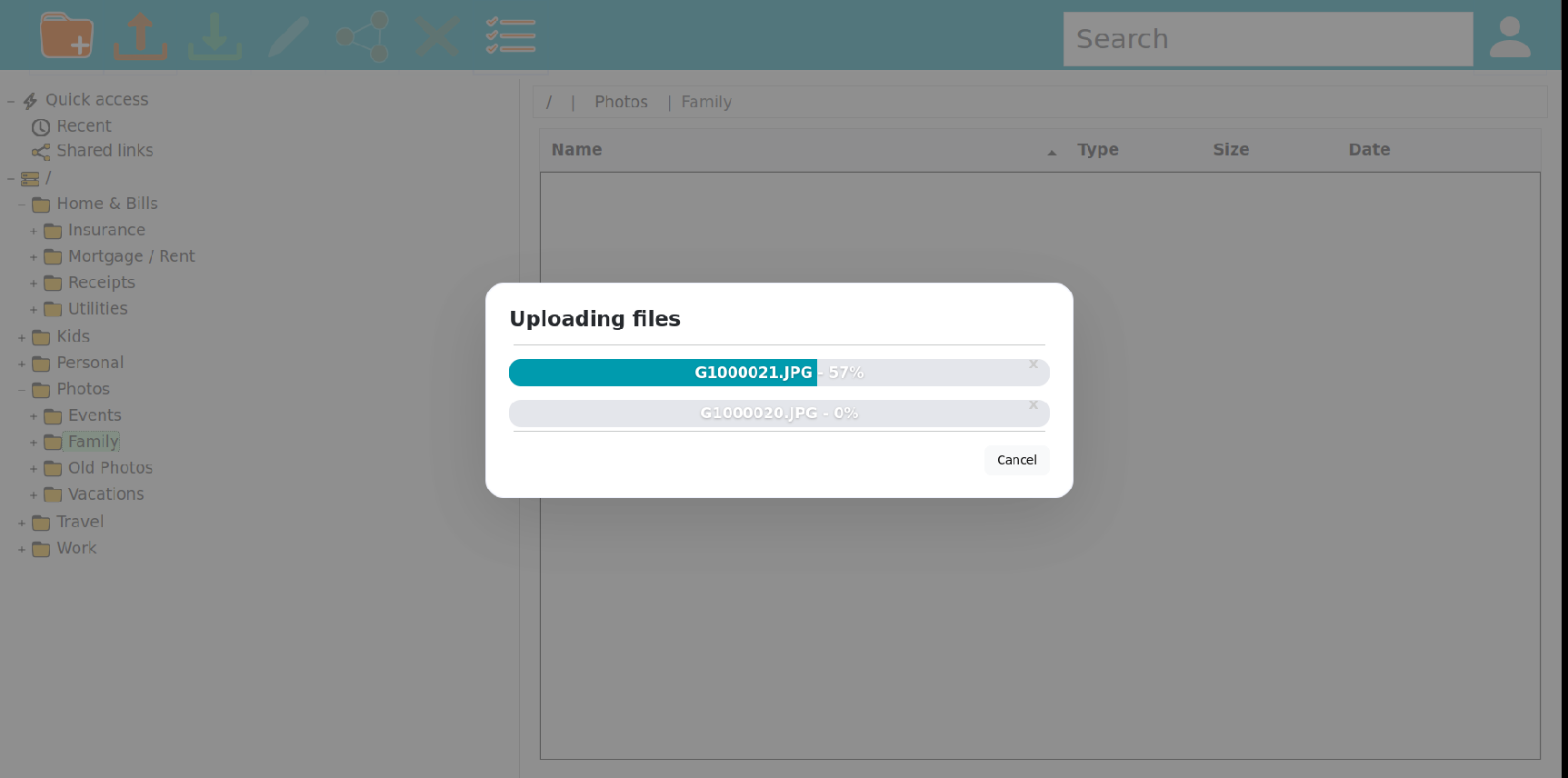
Upload everyday documents and larger files straight from the browser, with clear progress for every file.
Every feature is included in every plan, including Free.
Find information across PDFs and text documents. Instead of browsing folder by folder, jump straight to the content you need.
See when and how a photo was taken, right next to the preview, without opening another app.
A folder tree and file list inspired by desktop file explorers. Upload, rename, move, and download without a learning curve.
Share files and folders with people who don't use LiteFileHub. Protect links with a password and revoke them at any time.
Invite people to a shared repository and decide who can view, add, update, or delete files.
Deleted items go to Trash first, so an accidental delete can be restored within the retention period.
See who uploaded, changed, or deleted what, and when, across your repository.
Select several files or folders and download them as a single ZIP archive.
No advertising and no ad tracking. Your files are encrypted at rest by our storage providers.
LiteFileHub is in private beta. Try the demo without an account, or request early access to your own repository.